Why has a shared profile link stopped working?
Links to shared applicant profiles are made to stop working after a while, so an old email can't be used to view an applicant's details for ever. If an employer tells you a link doesn't work, send them a new one.
Why a link stops working
A shared profile link stops working when:
- 30 days have passed since you sent it, or
- the link was changed, for example by editing the web address to show details you left out. enrola checks each link, so a changed link doesn't open.
This covers the profile page, its Download PDF button and its Send feedback form.
What the employer sees
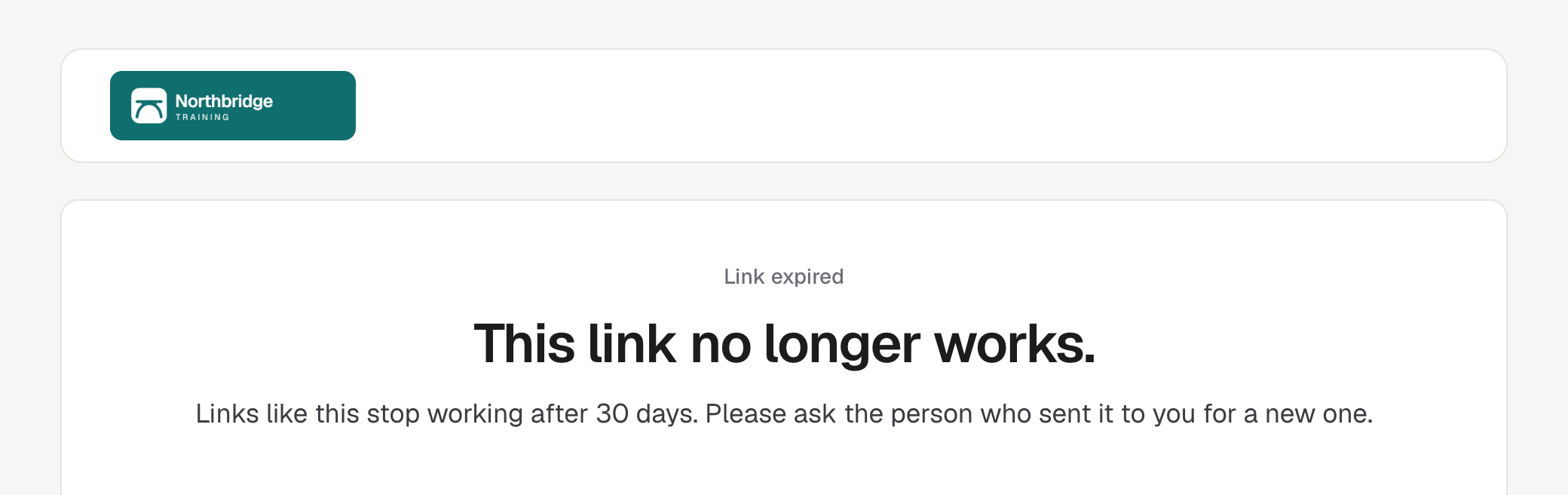
A page headed "Link expired":
This link no longer works. Links like this stop working after 30 days. Please ask the person who sent it to you for a new one.
Send a new link
- Open the Application.
- Select Profile, then Share profile, and send it again. See Share an applicant profile with an employer.
To send several at once, use Send Profiles. See Send several applicant profiles at once.
The new link works for another 30 days. Choose the include options again: the new link doesn't remember the old one's choices.
Good to know
- You can always open the profile yourself while you are signed in, from the Application's Profile button.
- Sending the profile again moves the Application to your Profile sent status again, if it has a Supervisor, and logs a new copy of the email.
- Profile links sent before enrola started securing them in October 2026 no longer open. Send a new one.
- Feedback survey links sent to applicants also stop working after 30 days, and show the same page.